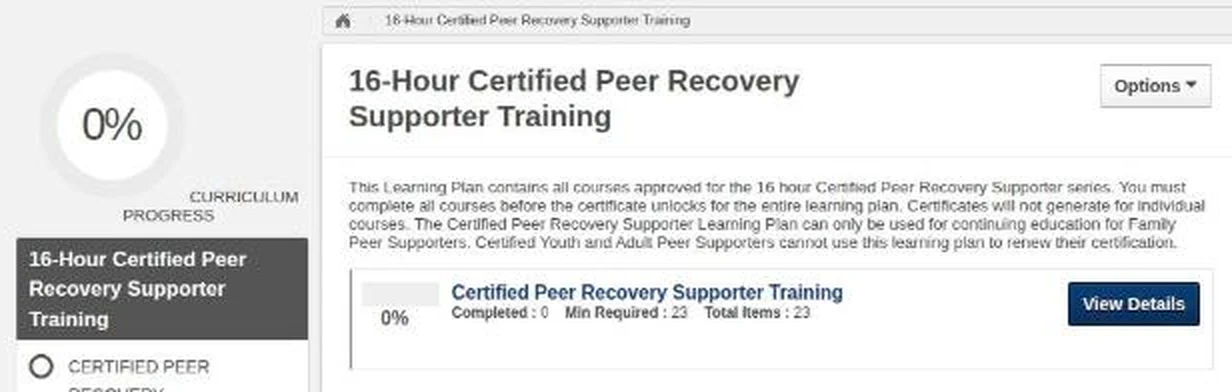
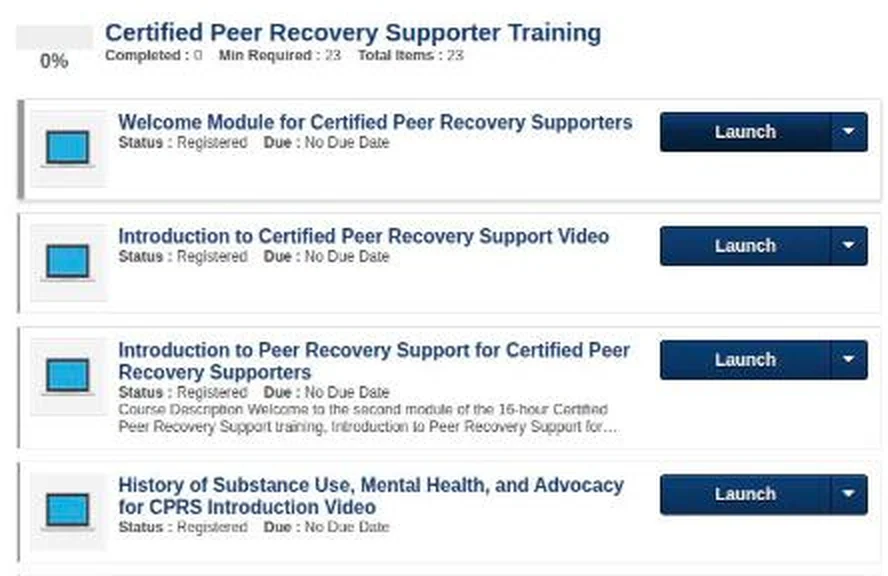
Get into the state's free 16-hour Peer Recovery Supporter training
It's the first step to becoming a peer supporter in Ohio.
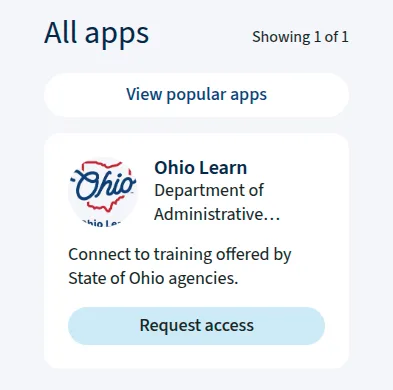
💻 Heads up: this is way easier on a laptop or computer.Getting signed up can be tricky to find your way through the first time. So we put together this guide to walk you through it.
📱Your phoneKeep this guide open
➜
💻Your computerDo each step there
Finish a step on the computer, then tap Next on your phone.
1️⃣
Part 1 · About 5 minutesMake your free state login and add Ohio Learn.
2️⃣
Part 2 · The next dayThe state needs up to a day to set you up. Then you find the class and start it.
Heads up: you're headed to the state's site.The class is run by the State of Ohio, on their own website (OHID and Ohio Learn). We're an independent app made by Ohio peer supporters, not the state. This guide just shows you where to click.
✉️ You'll need: an email you check. Use a personal one, not a work or school email.
📱 Only have a phone? Part 1 works on it. Part 2 needs a computer.
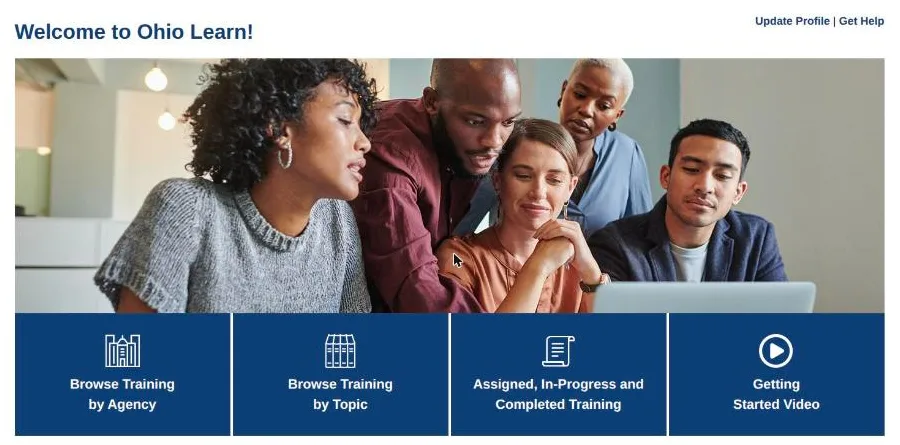
We're not the state. This is a plain-English, picture-by-picture guide to the state's own steps, checked October 9, 2026. The screens in it are the state's (OHID and Ohio Learn). Screens can change. The state's page is the final word: DBH: Ohio Learn.
Nice work. The state needs up to a day to put the class in your account.
⏰TomorrowGive the state a day
➜
💻A computerPart 2 needs one
📱 Keep this guide on your phone. Tomorrow, sit down at a computer, open this page on your phone and tap “Start Part 2”. Lost it? ohiopeersupporter.com/get-certified
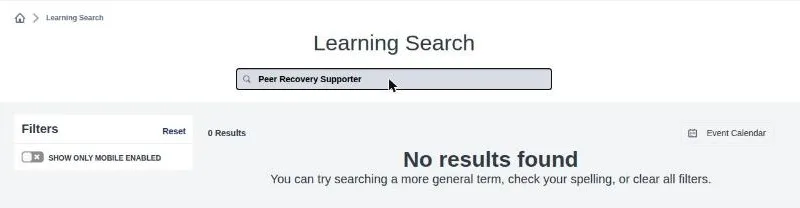
If you look tonight and Ohio Learn says “No results found”, that's normal. It's not you.